A few years ago, if you asked someone what an SSD was, they would have looked at you like you were speaking a foreign language. Today SSDs (Solid State Drives) are becoming more and more popular due to their speed and reliability. In this article, we will be discussing the … Keep Reading
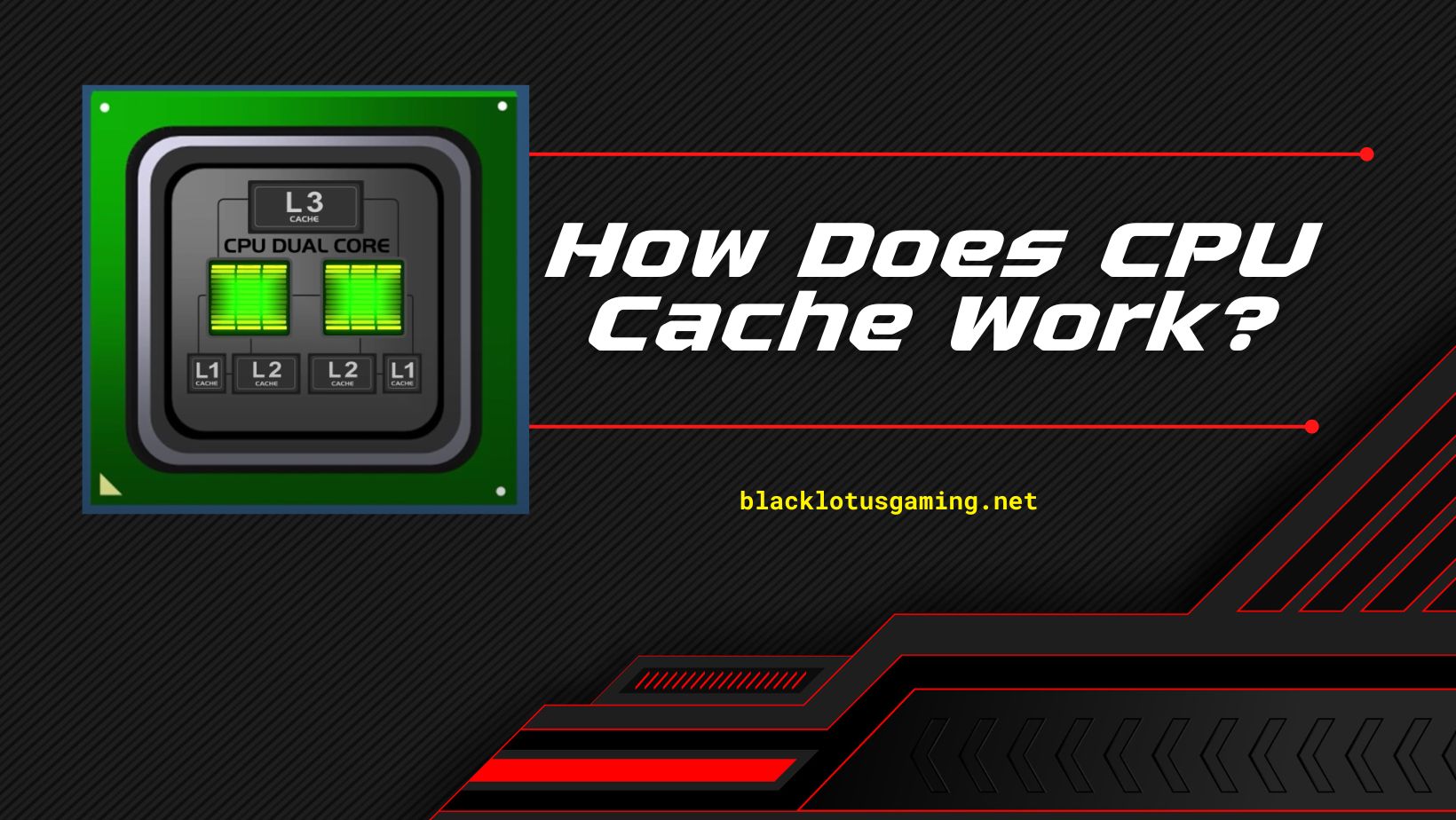
When checking out any new processor, there’s a high chance of you seeing the terms ‘L2 cache’ and ‘L3 cache’ in the specs section. What is Cache Memory? Cache memory is a type of computer memory that stores frequently accessed data to retrieve it quickly. This is done to speed … Keep Reading
While building a PC, you will definitely encounter terms like APU vs CPU vs GPU. In the world of personal computing, there are three primary ways to process information: the central processing unit (CPU), the graphics processing unit (GPU), and the accelerator processing unit (APU). APU vs CPU vs GPU … Keep Reading
This review guide aims to give you the best CPU cooler for ryzen 5 5600X in 2022. If you’re in a hurry and want to know about our best pick quickly, we’ve found Noctua’s NH-U12A to be the best CPU cooler for ryzen 5 5600x and the perfect option for … Keep Reading
So you got yourself a mammoth of a case, large enough to fit a full 360mm radiator inside. Now you’re on the hunt for the best 360mm AIO CPU Cooler on the market, but you just can’t make up your mind. The good news for you is that we have … Keep Reading
This is our review of the best low Profile RAM Modules in 2022. The RAM is often an afterthought when you are specking out a brand new rig. The attention can mostly center on the processor, motherboard, and GPU. However, choosing the right RAM modules for your rig can be … Keep Reading
After CPU and graphics card, RAM memory is the most decisive component of a PC. Being a faster storage device, it acts as a bridge between your hard drive/SSD and the CPU cache. When a computer program is executed, its data is sent over to the RAM. Due to the … Keep Reading
When you are building a small form factor computer, the main problem you are likely to run into is what CPU cooler to use. While most coolers are much too large to fit into a mini ITX case, or even most micro ATX cases, there are a few out there … Keep Reading
Is 4GB, 8GB, 16GB, 32GB, or 64GB ram enough for gaming? Let’s find out. It is probably the first question that comes into your mind whenever building a new PC. But it’s not as easy to answer since RAMs come in various sizes ranging from 4 GB to 128 GB. … Keep Reading
Overclocking is a process through which you can increase performance of different PC components. Hardware components like CPU and graphics card come with a certain clock speed out of the box which refers to the number of operations they can perform in one second. For example, a 4 GHz processor … Keep Reading